
Will you be able to change your AI film next month?
Before I finish an AI film, I ask what you might need to change later. A final video is enough for playback, but changing its price, language or closing message may require separate text, sound and an editable project. The useful delivery is the one that supports your agreed next task.
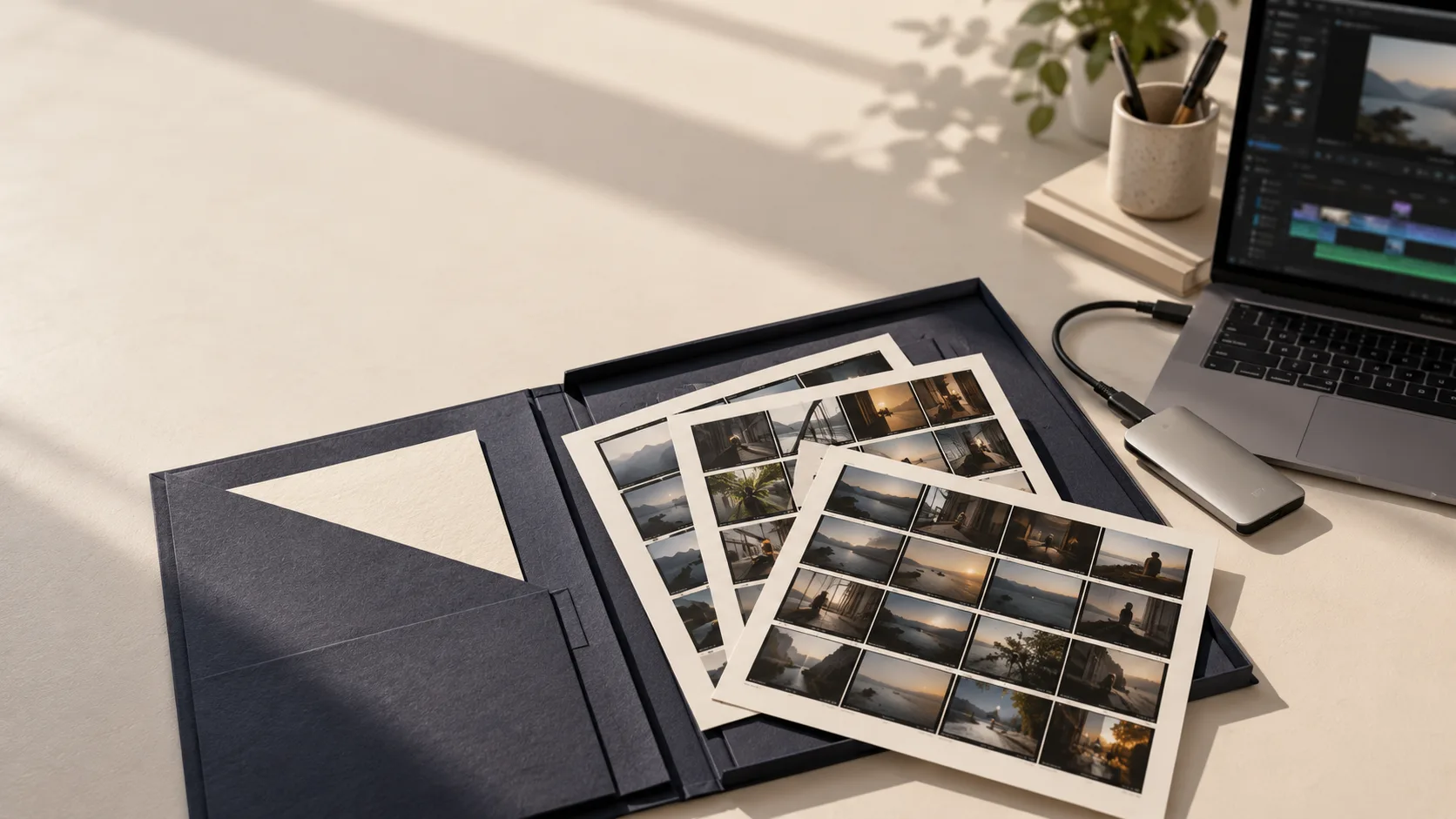
Start with the change you expect
Consider a fictional café film with a seasonal offer. Next month the café wants to replace the closing price while keeping the story. If that price is burned into the only delivered video, another editor must cover it or rebuild the ending. If the title remains separate in the agreed project, the change is a defined editing task. That difference is worth discussing before production.
I do not assume that every client wants a large archive or knows an editing application. One business needs only a final film; another has an in-house editor; a third wants me to maintain a series. I ask who will make the next change and where they will work. The answer guides the package, rather than the number of files in a folder.
Build the delivery list for your next change
Choose the next change you expect. Mark what you have received, then test the actual files. The list stays in this page and does not inspect your project.
Still to confirm: 5
These are your notes. Only a real edit of the delivered copy confirms that it works.
What each kind of file actually gives you
An MP4 lets someone watch the finished edit. An editing project records how the sequence is assembled, but it can depend on media stored elsewhere. A narration file gives you the voice separately; it does not automatically include the music. A subtitle file carries timing and text, while captions already printed into the image are part of the picture.
For AI footage, I also distinguish the accepted clips from rejected attempts and reference stills. A starting image or prompt can describe how a shot began, but it is not a promise that the same service will generate an identical replacement later. The accepted clip is therefore an important production asset to retain when future edits are planned.
| Future task | Ask whether the package includes | Try it before accepting |
|---|---|---|
| Replace the closing price | Editable title and the required font or agreed alternative | Change one number and export the ending |
| Add another language | Approved text, separate voice, music and effects as agreed | Replace a short line without losing other sound |
| Make a new cut | Project plus the media it actually uses | Open the copy and trim a shot |
| Simply publish the film | Final export and the agreed poster or captions | Play the delivered file on the intended device |
A project that opens still needs a check
I prepare a short dependency note: editing application and version, fonts, effects, linked graphics and any part that needs separate access. This is practical information for the next editor. Sending a project file alone can leave them staring at missing-media warnings. It can also open successfully while a substituted font silently changes the ending.
The editing application may offer collection or consolidation tools. Adobe documents a project-archiving workflow for Premiere, but I still check what the resulting copy contains. A successful command does not tell us whether the recipient can make the change they expect. Work from the delivered copy when testing, rather than the original folder on my machine.
Use a small change as the acceptance test
For the café exercise, I would ask the receiving editor to change the sample closing price, export that ending and compare it with the reference. This is not a demand to recreate the film. It is a small test of the exact future task. If the text, music or picture disappears, we have found a missing dependency while the production context is still available.
If there is no editor on your side, we can instead agree who maintains the project and how you request updates. Keeping an archive is useful only when someone can use it. I would rather make that responsibility clear than describe a folder as future-proof. Tools, account access and file compatibility can change over time.
- Name the person who will test the copy
- Choose one small agreed revision
- Open media from the delivery location
- Export and compare picture, text and sound
- Write down any remaining dependency
Decide what belongs in the delivery
I list included items and exclusions in the production scope with you. The final film, editable project, selected sources, music information and retention period are separate questions. Do not infer ownership, unlimited access or permanent storage from the word “source”. Where permissions affect a planned reuse, record the relevant agreement rather than guessing.
With SOLONSKY Films, a one-off export and continuing production are different ways to work. Tell me whether you expect new prices, other languages or a monthly series. I can then propose a concrete scope for agreement. This article gives you a checklist for that conversation; it does not set an automatic price or a promise of indefinite support.
Make the next visit to the folder easy
Keep a reference export beside the editable package and give versions meaningful names. The note should say which film was approved, who checked the test, where the delivered copy lives and what remains unresolved. A colleague opening it weeks later should be able to recognise the correct version without reconstructing our message history.
The interactive list lets you choose a future task and record the items you have received. It does not inspect files or prove their completeness. Download it as a conversation note, then perform the real test with the recipient. A checked box is a reminder of a decision; a successful edit is the evidence that the handover works.
See how a finished edit becomes an export
Official Blackmagic Design lesson in English for Resolve 15. It explains final export settings, not project packaging. Current interfaces may differ.
The video provider connects only when you press play. Watch on YouTube.
Questions
Does an MP4 count as an editable project?
It is a finished export. You can cut it again, but that does not restore separate titles, source shots or the original sound layers.
Should I ask for every generation attempt?
Only if there is a reason and it is included in the agreed scope. Accepted media and a clear reference often serve a future edit better than an unexplained collection of attempts.
Does receiving a project mean I can reuse every asset anywhere?
Do not assume that. Confirm the relevant permissions and delivery terms for the use you intend.
Technical sources
- Adobe — consolidate and archive Premiere projectsOfficial guidance on preparing project archives. The client-oriented rehearsal and checklist in this article are original teaching methods.